 Digital Characters
Nine modules. One complete workflow.
We teach the workflow, not one tool — so what you learn keeps working as the technology changes.
AI Image Generation
01
Character Design
02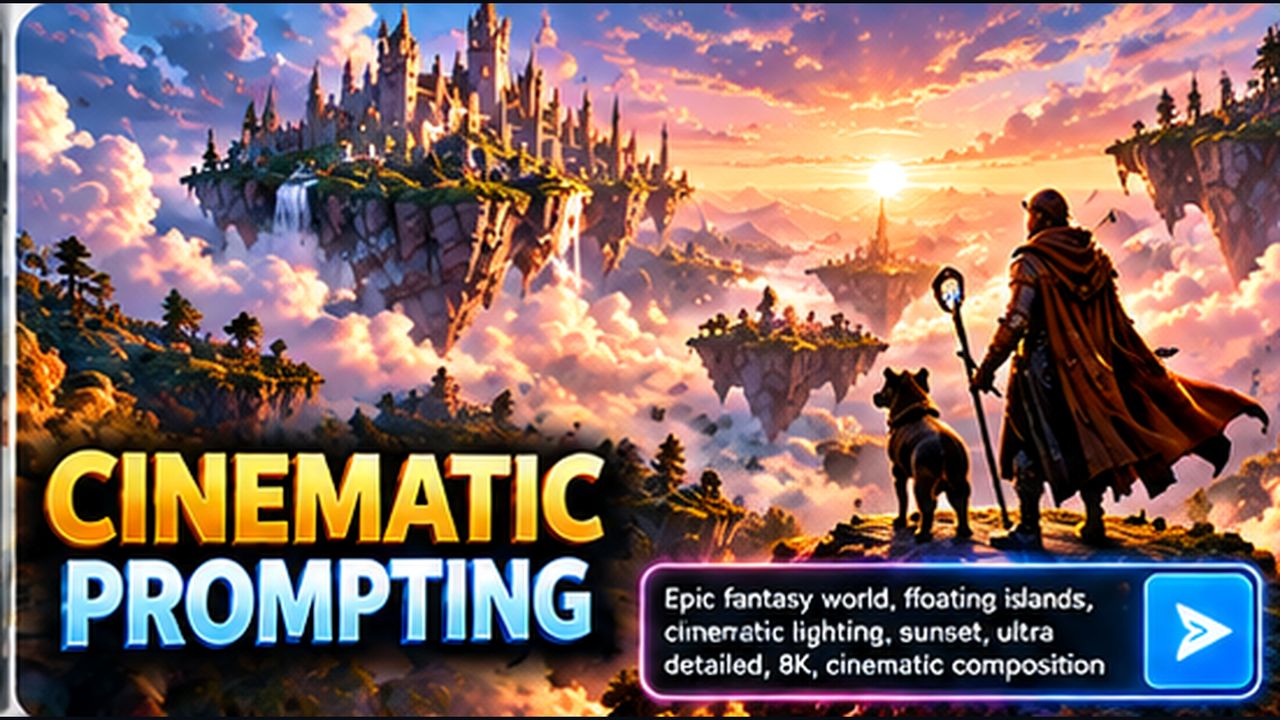
Cinematic Prompting
03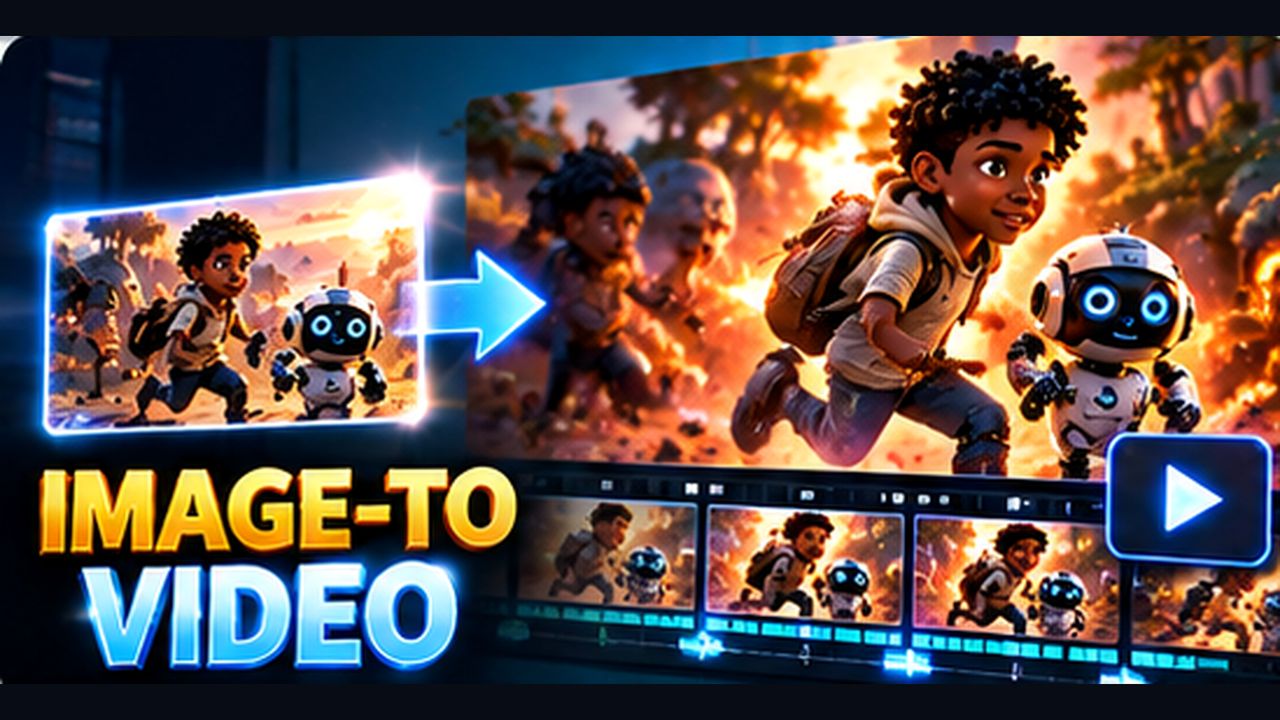
Image to Video
04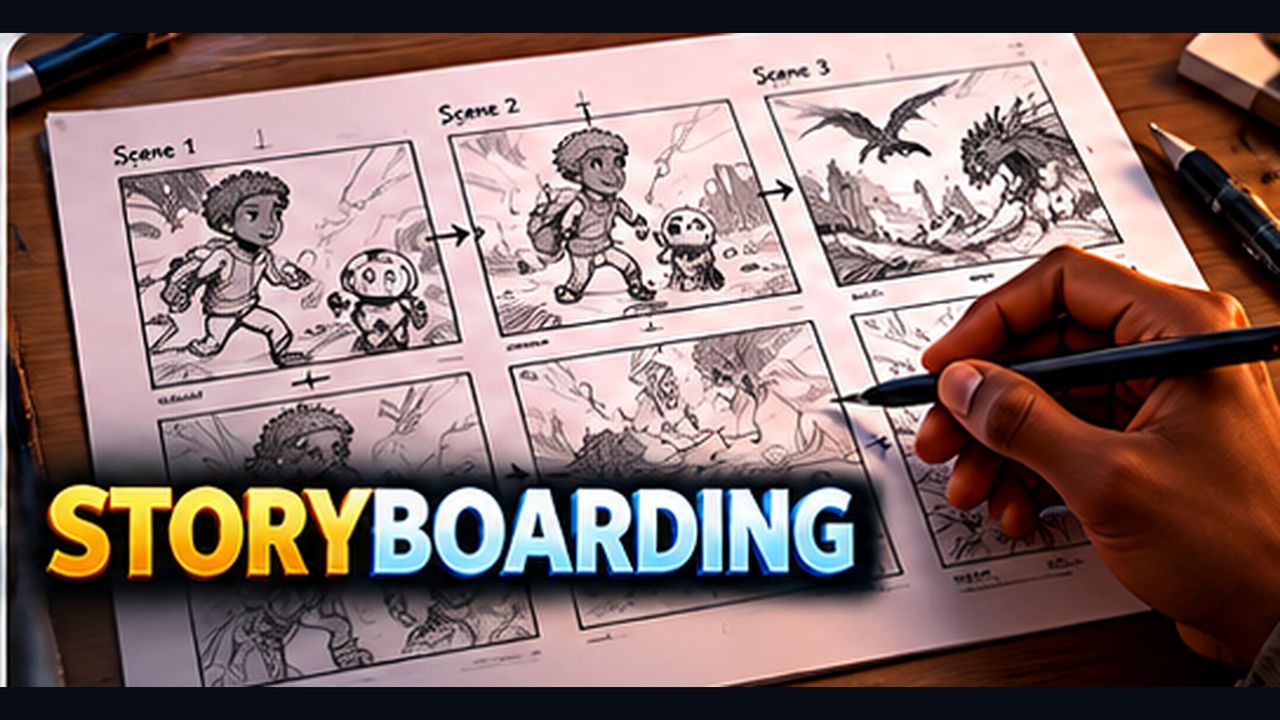
Storyboarding
05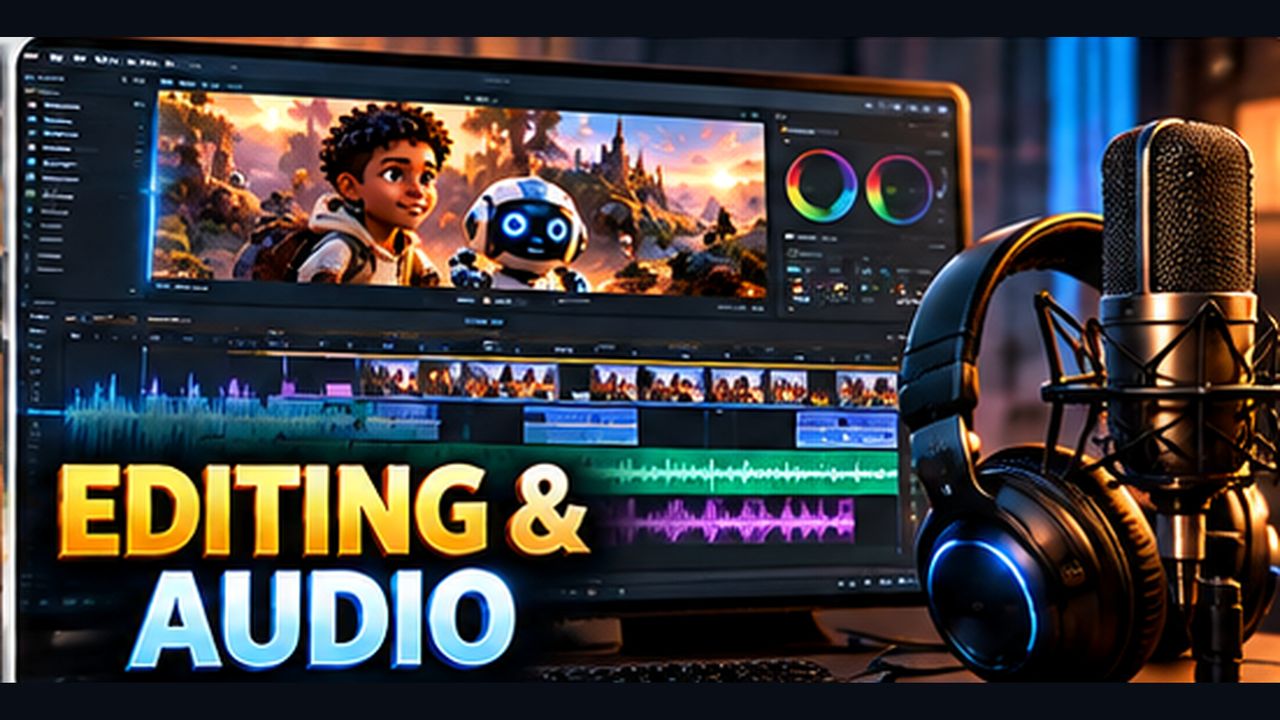
Editing & Audio
06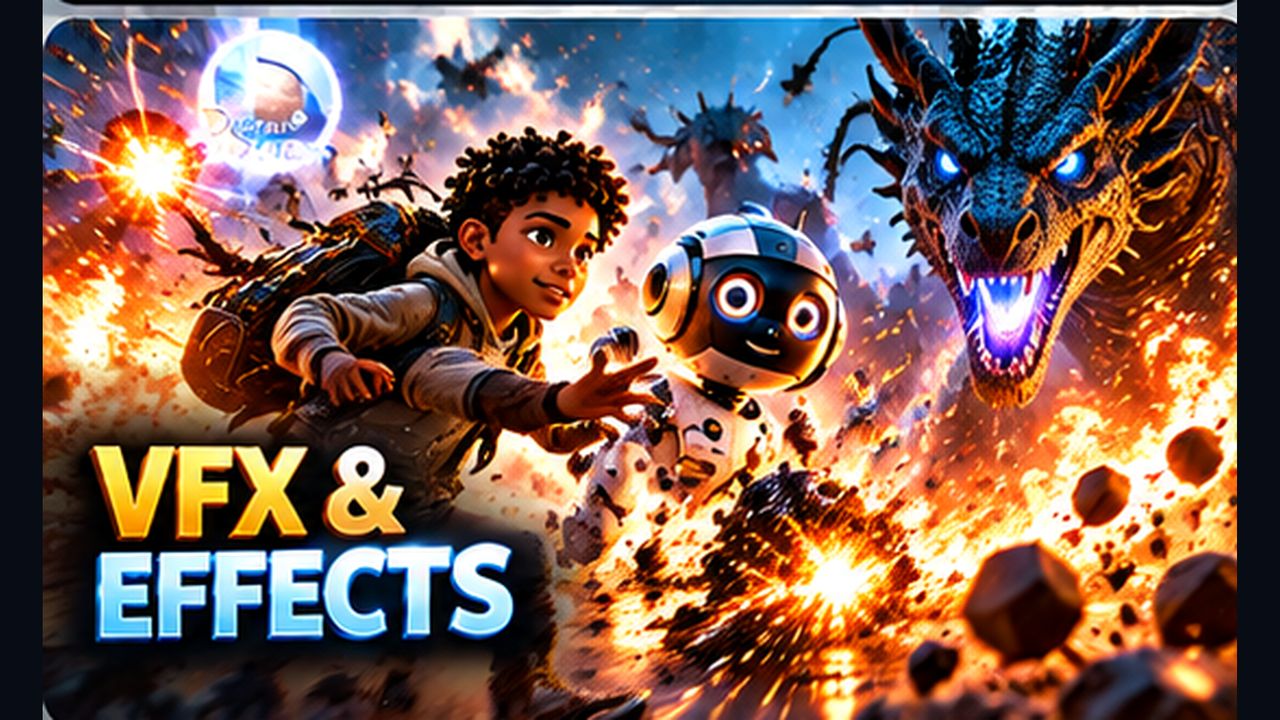
VFX & Effects
07
Commercial Content
08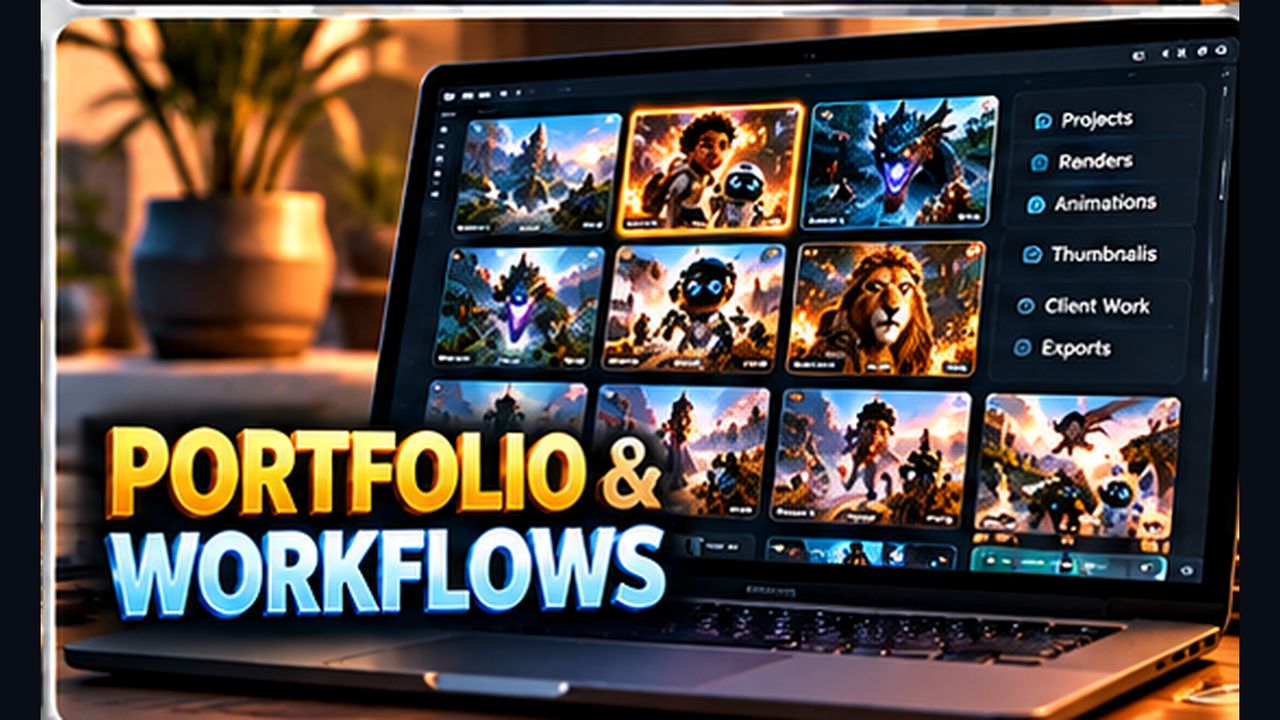
Portfolio & Workflows
09Learn → Practice → Create → Showcase
A steady weekly rhythm. Every month ends with a finished piece and feedback on it.
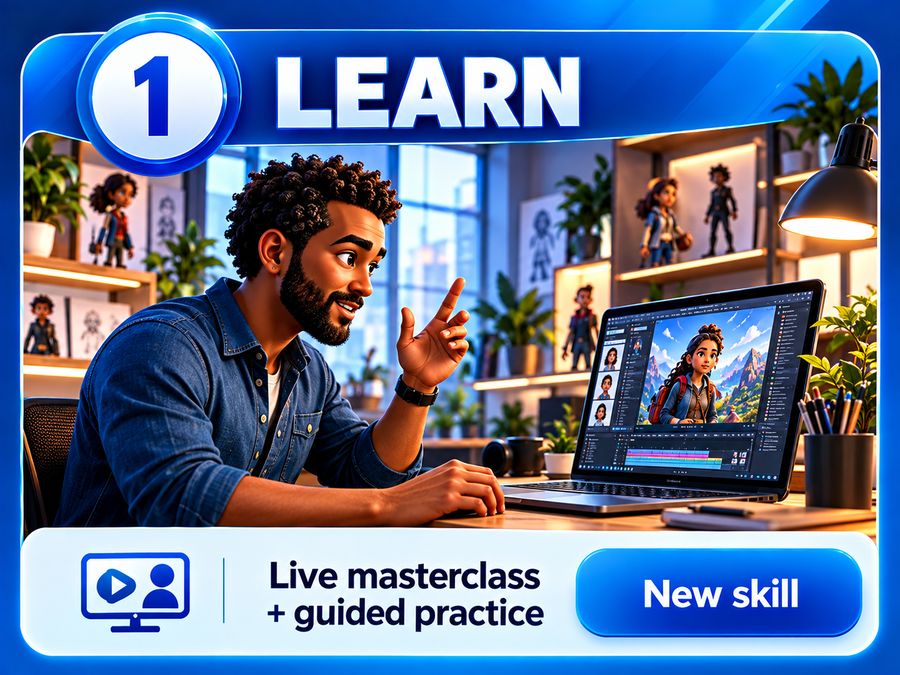
Learn
Live masterclass and guided practice.
→ New skill→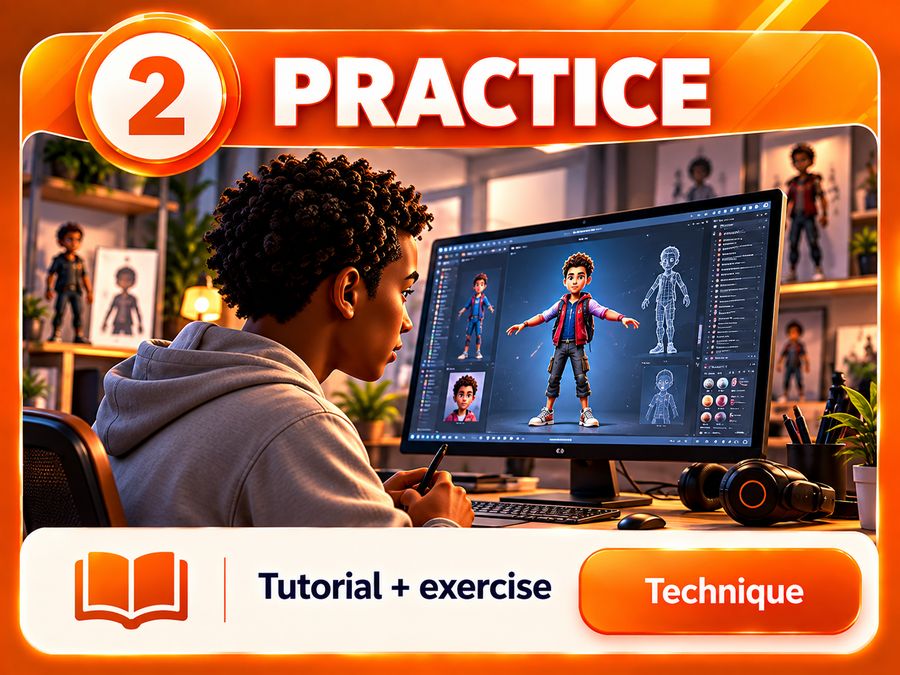
Practice
Tutorial and exercise to lock it in.
→ Technique→
Create
Develop your own project with what you've learned.
→ Portfolio work→
Showcase
Critique and presentation of your finished piece.
→ Finished outcomeFour levels. A finished film at every step.
Start at Level 1 — or, if you already work with these tools, we'll place you at the level that fits.
Who it's for Complete beginners — no experience needed.
Your first AI images
Prompting basics, visual styles, lighting and composition. Turn an idea into a strong concept image.
→ A set of concept imagesCharacters that move
Designing an original character, keeping it consistent from shot to shot, and bringing it to life with image-to-video and camera moves.
→ A character sheet + 3 animated shotsYour first short film
Story basics, storyboarding, editing, voice, sound and music, and simple VFX — pulled together into a finished piece.
→ Your 1–2 minute AI short film★ Outcome You'll leave able to plan, generate, animate and edit a complete short film on your own.
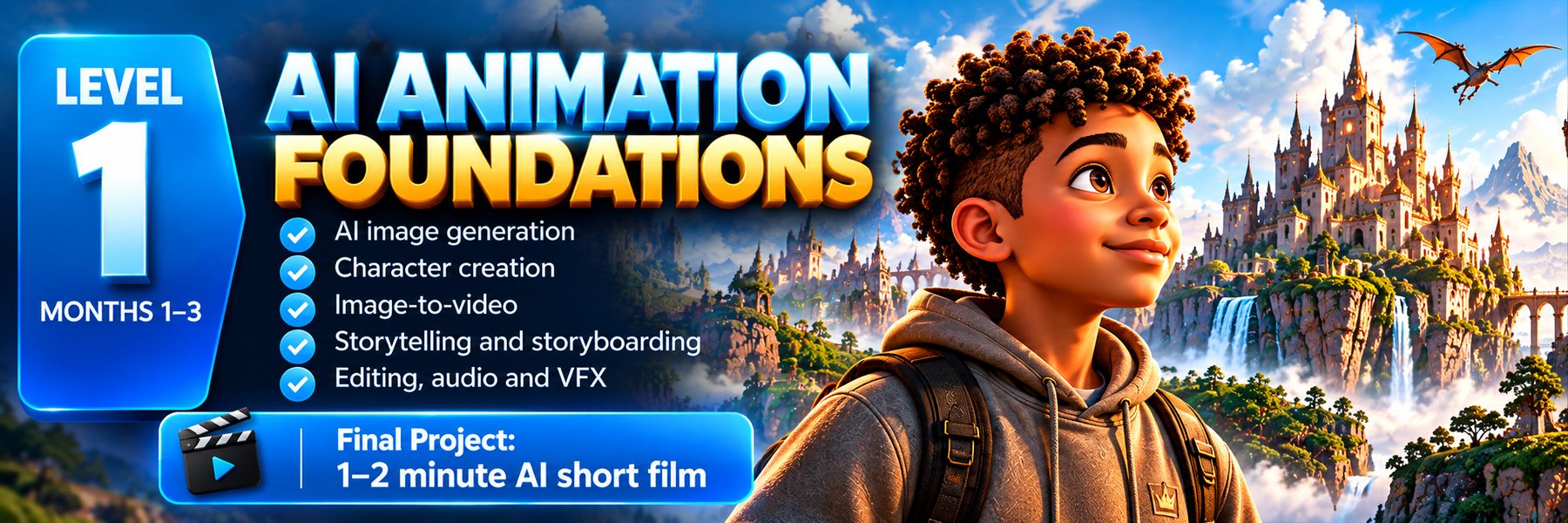
AI Animation Foundations
AI image generation · character creation · image-to-video · storytelling · storyboarding · editing · audio · VFX
Final: a 1–2 minute AI short film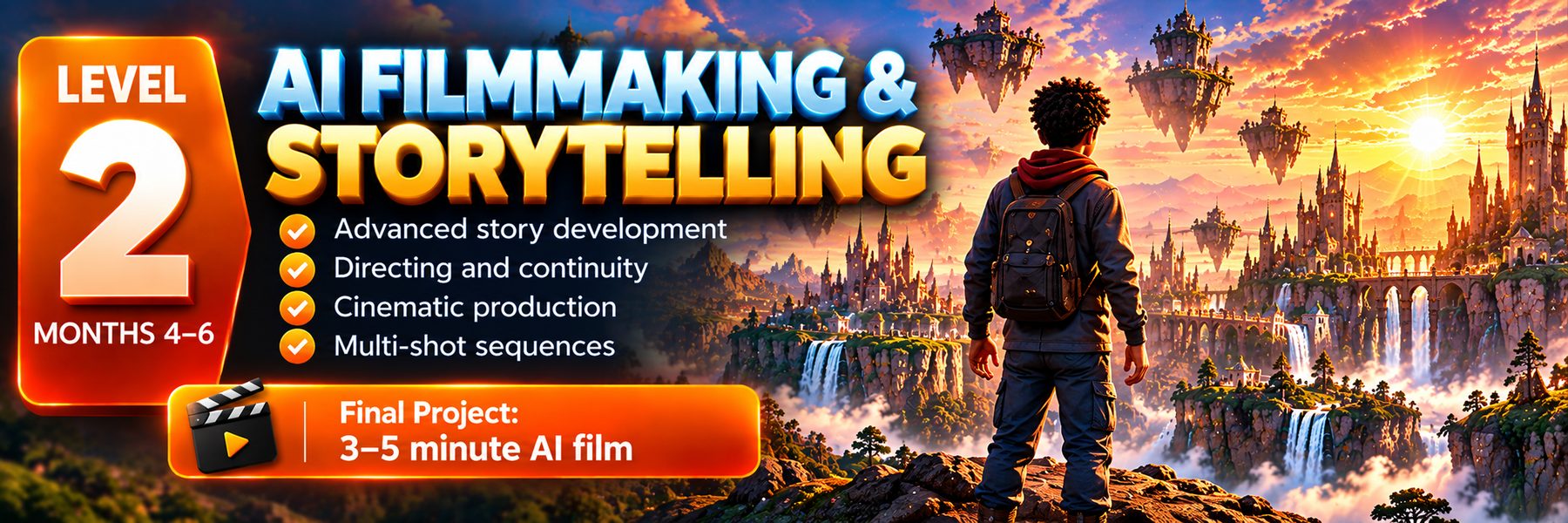
Who it's for Graduates of Level 1, or creators who can already make AI shots.
Story and script
Story structure, writing with AI, shot lists and directing the camera so every shot has a purpose.
→ A script and shot listContinuity and sequences
Keeping characters, locations and lighting consistent across scenes; multi-shot sequences, dialogue and lip-sync.
→ A finished multi-shot sceneCinematic production
A full production pipeline: grading, sound design, scoring and pacing for a longer film.
→ Your 3–5 minute AI film★ Outcome You'll be able to direct a multi-scene story with consistent characters and a cinematic finish.
AI Filmmaking & Storytelling
Advanced story development · directing · continuity · cinematic production · multi-shot sequences
Final: a 3–5 minute AI film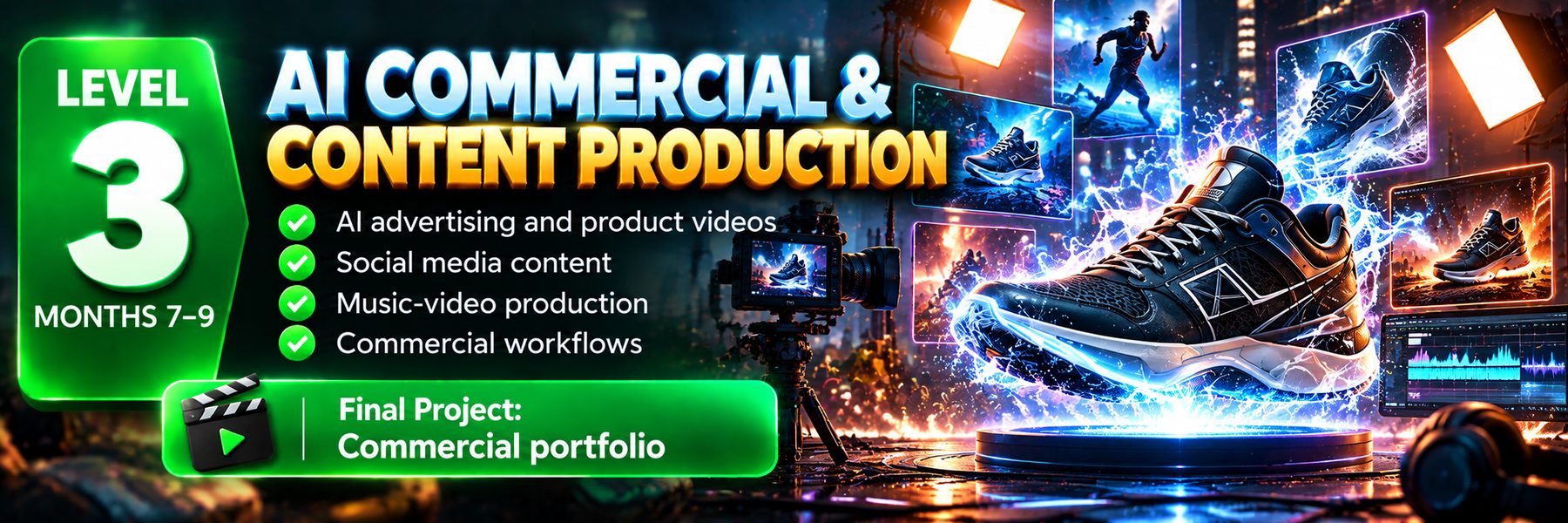
Who it's for Creators who want to earn from their skills.
Advertising and product films
Working from a brief and brand guidelines, product shots and short ads that sell.
→ A product advertSocial media content
Vertical formats, hooks, series and batch production for TikTok, Reels and YouTube Shorts.
→ A social content seriesMusic videos and workflows
Music-video sequences, timelines, revisions and delivery specs — the way real client jobs run.
→ Your commercial portfolio★ Outcome You'll have client-style work to show, made the way agencies and brands expect it.
AI Commercial & Content Production
AI advertising · product videos · social content · music-video production · commercial workflows
Final: a commercial portfolio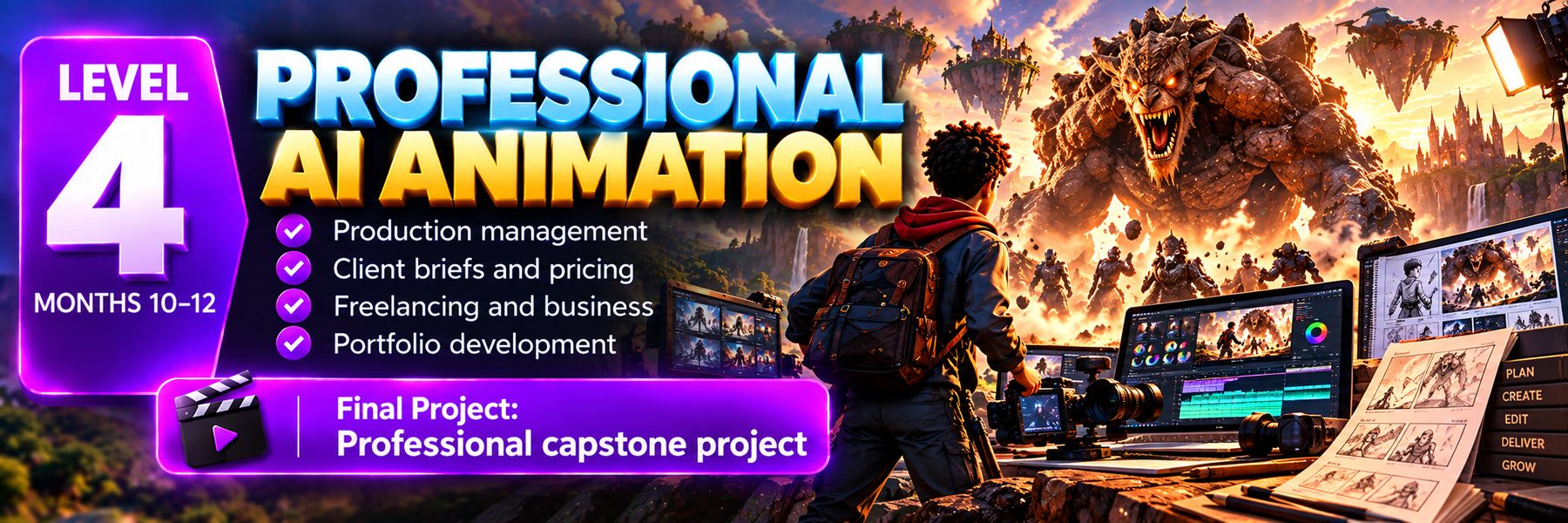
Who it's for Creators ready to work professionally or start a studio.
Production management
Planning, scheduling, budgeting, tools and working with a small team.
→ A production planClients and business
Client briefs, pricing, proposals, contracts basics and freelancing.
→ A pitch and price sheetPortfolio and capstone
Your showreel, a capstone production and presenting work to clients.
→ Your professional capstone project★ Outcome You'll finish with a showreel, a capstone project and the business know-how to take on paid work.
Professional AI Animation
Production management · client briefs · pricing · freelancing · portfolio development
Final: a professional capstone projectPick your plan.
Month to month. Cancel any time from your dashboard. All prices include 15% VAT, and you get a tax invoice for every payment.
Starter
- Recorded lessons
- Prompt library
- Project files
- Monthly challenge
- Community access
Academy
Recommended- Everything in Starter
- 4 live classes a month (Saturdays 10:00)
- Class recordings
- Weekly practical work
- Monthly project
- Feedback on selected work
- Certificate per completed level
Pro
- Everything in Academy
- Small-group practical sessions
- Assignment and portfolio feedback
- Monthly group critique
- Advanced commercial workflows
- Priority support and portfolio guidance
R750–R1,000 per session, or R2,500–R4,000 a month. Booked separately from your dashboard.
Secure card payments by PayFast — we never see your card details. New members: if it isn't for you, ask within 7 days of your first payment for a full refund, as long as you haven't attended a live class, watched more than 2 lessons or booked coaching. Membership terms & refund policy.
AI animation moves fast. So does the Academy.
Instead of ending after a fixed course, the Academy keeps you learning — with a clear path and room to keep growing.
Why it matters AI tools change every few months. A membership means you never fall behind.
New masterclasses
Fresh lessons on the newest techniques and tools as they appear.
→ Always up to dateChallenges & projects
A creative challenge and a portfolio project to keep you making.
→ New portfolio workA clear path
Three-month levels give you structure; membership lets you keep going after Level 4.
→ Steady progress★ Outcome Your skills and portfolio keep growing for as long as you're a member.
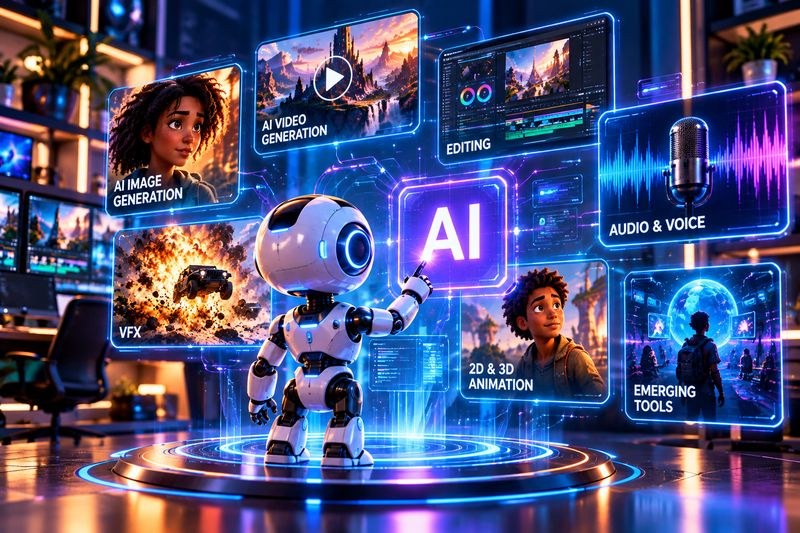
06 — Tools & workflows We teach the workflow, not one tool.
Depending on the project, lessons cover AI image and video generation, editing, audio, VFX, 2D & 3D and emerging creative tools.


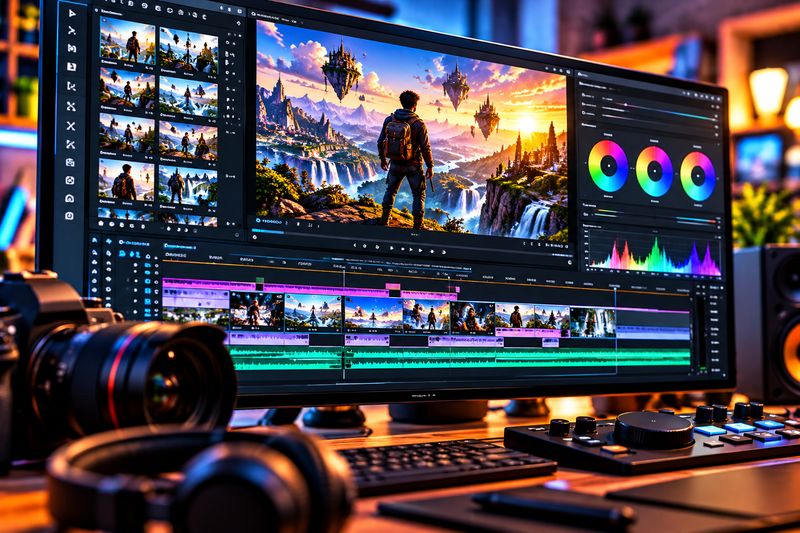
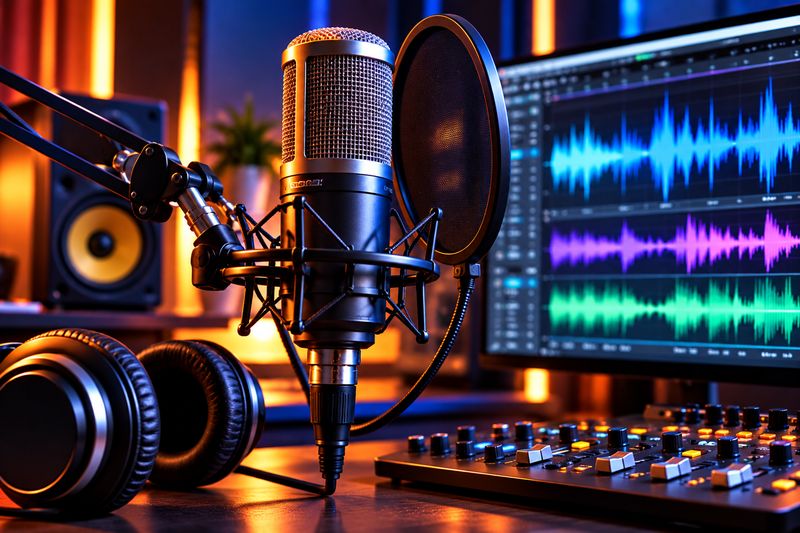
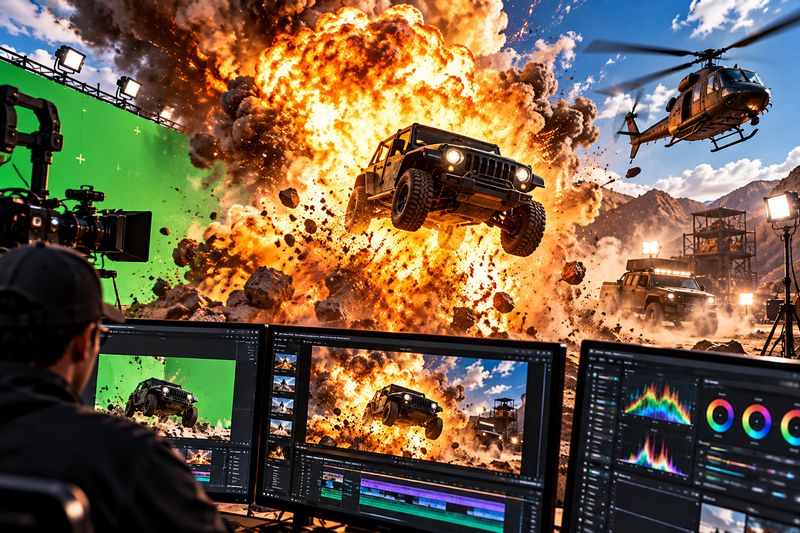
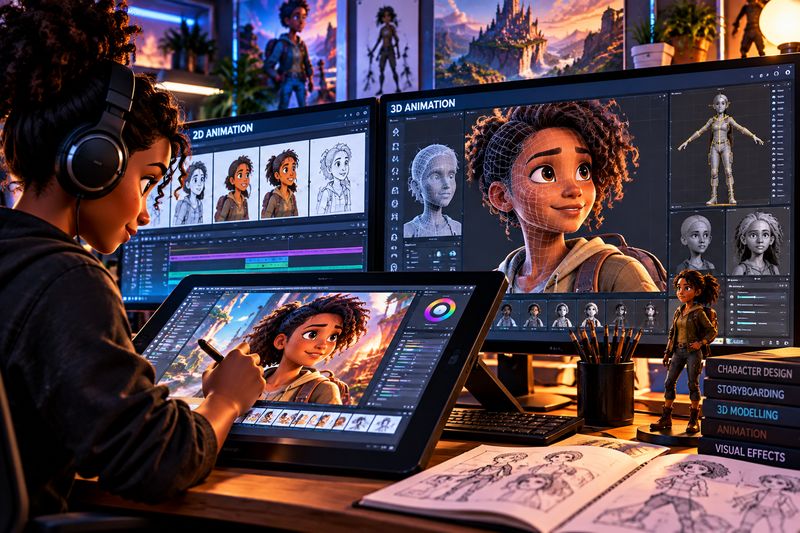
★ Outcome Tools change as the technology does — the way you think about a shot, a story and a client brief doesn't.
Learning that feels like a studio.
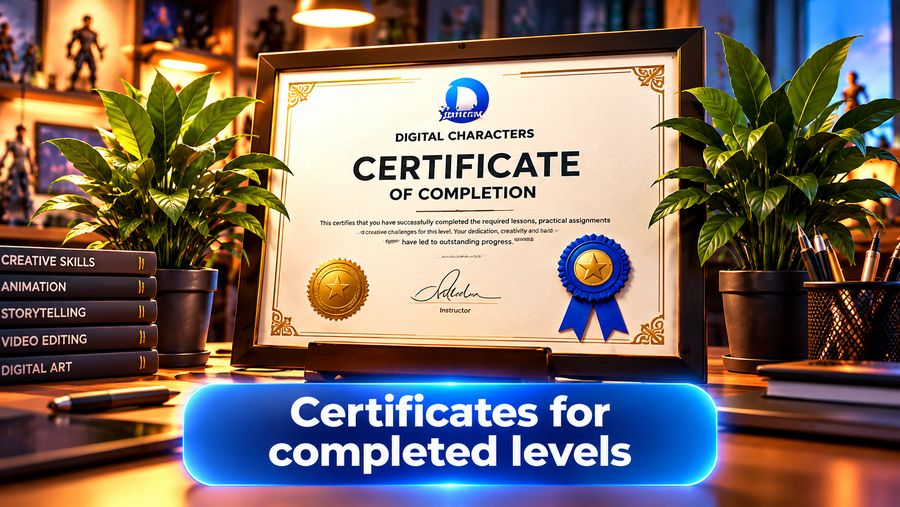
Live teaching, practice, feedback and a showcase every month — and a certificate for every level you complete.
What you get Everything a working studio gives its artists, online.
★ Outcome A steady rhythm of learning, making and getting feedback — with people learning alongside you.
08 — Certificates Proof of what you can do.
Complete a level
Finish the three months and the level’s final project.
→ Your finished film or portfolioGet your certificate
A Digital Characters certificate for that level, ready to download.
→ PDF certificateShare and verify
Every certificate has a unique code anyone can check online.
→ Trusted by clients★ Outcome Paired with the films in your portfolio, it tells clients exactly what you can deliver.
Good to know.
Do I need any experience?
What do I need to take part?
How much data do the classes use?
When are the live classes?
Can I cancel?
What's your refund policy?
Can I change plans?
Do you issue tax invoices?
Is there an age limit?
Turn your ideas into amazing worlds.
Join the first intake of the AI Animation Academy and start making your own films.